
Jackpot Casino Login
Access your account in seconds and start playing instantly with your email and password.
Games at Jackpot Casino






Game Library





Access your Jackpot Casino account in less than two minutes with your email and password. When you cannot sign in, these steps help with forgotten passwords, locked accounts, or verification delays. Live chat provides human help at any hour.
How to Log In: Step-by-Step
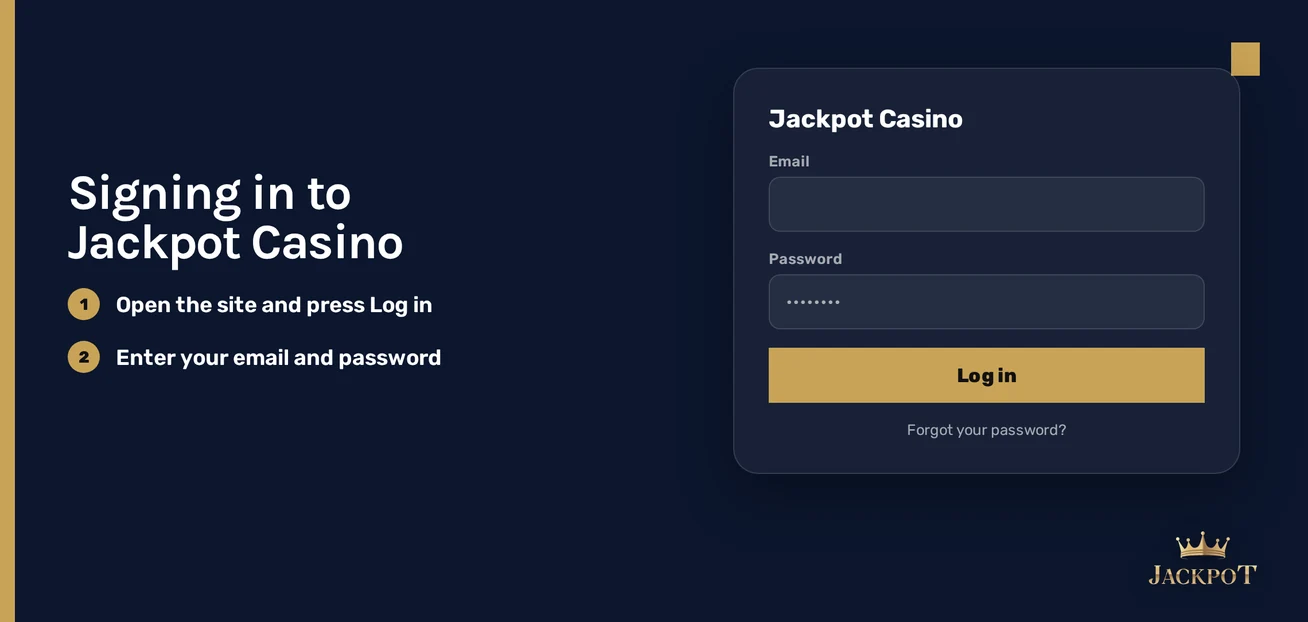
To log in to Jackpot Casino, use the email address from your registration and the password you created. The process is the same on both desktop and mobile devices.
Launch your web browser and go to the Jackpot Casino site.
Select the Log In button.
Input the email address associated with your account.
Enter your password and submit the login form.
Should your login details be rejected, first verify the email spelling. Even one wrong letter, or using an unregistered email, is a common cause of sign-in failure.
Login Problems and Fixes
Most unsuccessful login attempts stem from one of five issues. Identify your problem in the table and apply the corresponding solution.
| Problem | Likely Cause | Quick Fix |
|---|---|---|
| Wrong password message | Typo or an older password | Reset the password from the login form |
| Email not recognised | A different address from the one used at registration | Try your other email addresses |
| Page loads but login fails | Stale cookies or cached files | Clear cookies and cache, then retry |
| Account locked | Self-exclusion period is active | Contact support via live chat or email |
| Withdrawal on hold after login | KYC documents not yet verified | Send identity, address and payment-source documents |
To clear cookies and cache:
- Access your browser's settings and navigate to the privacy or history section.
- Choose cookies and cached files, then set the time range to all time.
- Confirm the deletion and close all open browser tabs.
- Restart your browser, visit Jackpot Casino, and attempt to log in once more.
- If the error persists, attempt using a private browsing window or switch to a different browser.
How to Reset Your Password
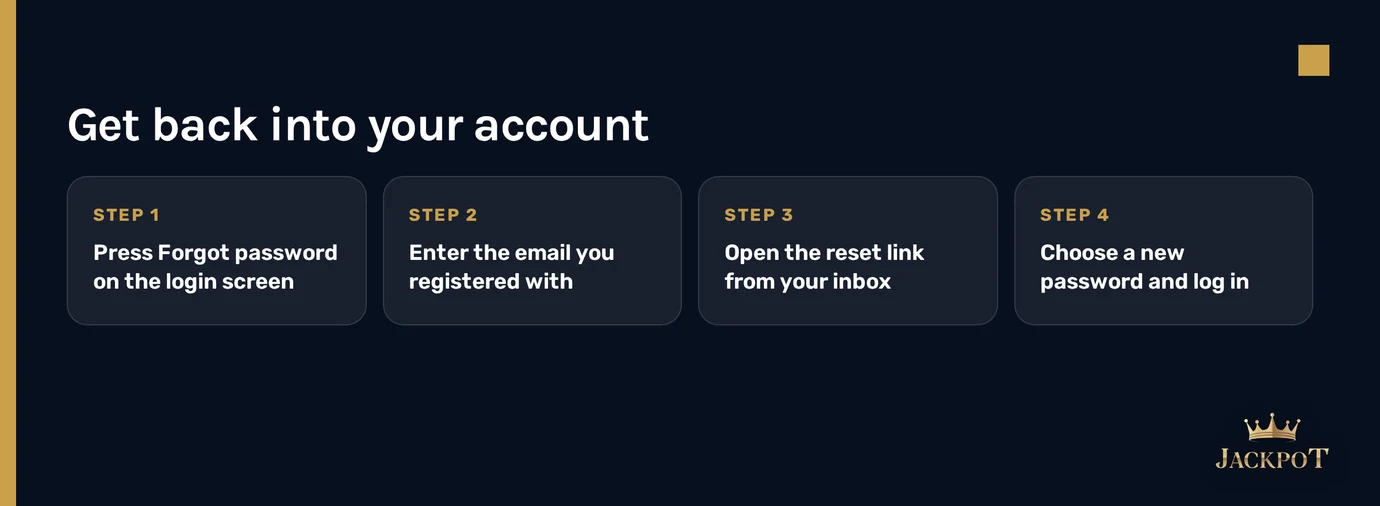
You can initiate a password reset yourself; it becomes effective as soon as the email is received. Use the email on your account, as the reset link is sent exclusively to that address.
- Go to the login page and select the option to reset your password.
- Provide the email address linked to your account and submit the request.
- Open the email sent by Jackpot Casino and click the link provided within it.
- Create and confirm a new password, then save the changes.
- Go back to the login page and sign in using your new password.
Wait a few minutes. If you see no email, check your spam folder. Still nothing? Contact support via live chat, available 24/7, and share your registered email.
Account Locked or Suspended
A locked account prevents login until the lock expires. Jackpot Casino locks accounts when you ask for self-exclusion via support, closing it for your chosen duration.
| Situation | Who Acts | When |
|---|---|---|
| Self-exclusion lock | You request it, Jackpot Casino applies it | Starts on request, lasts the chosen period |
| Lock you did not request | You contact support | Straight away, 24/7 |
| Verification pending | You send documents | Before your withdrawal |
If you did not request this lock, take these actions:
- Open live chat.
- Provide the email address linked to your account.
- Explain exactly what occurs when you attempt to sign in.
- Support will respond with instructions for your next move.
GamCare operates the National Gambling Helpline at 0808 8020 133 for when gambling is no longer fun. Visit gamcare.org.uk. You can also self-exclude through support.
KYC Verification
Jackpot Casino needs verification documents before your first withdrawal: proof of identity, proof of address, proof of payment and, if requested, a selfie with your ID. Sending all documents together prevents repeat requests.
Login is separate from verification. A pending KYC check appears when you try to withdraw. Solve it by finishing the document list, not by changing your password.
Logging In via Mobile Browser
Jackpot Casino does not offer an iOS or Android app. Use the mobile-optimised website. It loads in any phone or tablet browser with the same login details you use on desktop.
| Feature | Status |
|---|---|
| iOS app | No |
| Android app | No |
| Mobile browser site | Yes |
| Biometric login | No |
| Push notifications | No |
You must enter your login details each time without biometrics. Add a bookmark to your home screen for one-tap access to the login page.
- Launch your phone's browser and go to the Jackpot Casino site.
- Tap Log In.
- Type in the email and password you registered.
- Submit the login form to access your account.
Contact Support
Live chat assistance is available 24/7. The website operates in 15 languages, and support agents answer in English, German, and Russian.
| Channel | Contact | Hours | Languages |
|---|---|---|---|
| Live chat | On the website | 24/7 | English, German, Russian |
Add this information to your initial message so support can help you right away:
- Your account's registered email address
- A brief summary of the problem or what appears on your screen
- A picture of the error message, if you see one
FAQ
Jackpot Casino accepts players 18 years old and above. Only gamble with funds you can comfortably lose. Contact customer support to set up self-exclusion if you want to take a pause.